How to add push rules to a project
This guide shows you how to add push rules to a project
- Create a new branch with a name like
add-pushrules-to-project - Edit the
.yamlfile of the project in which you want to add the pushrule - Add the push rules you want to add to
spec.pushRules. For example
pushRules:
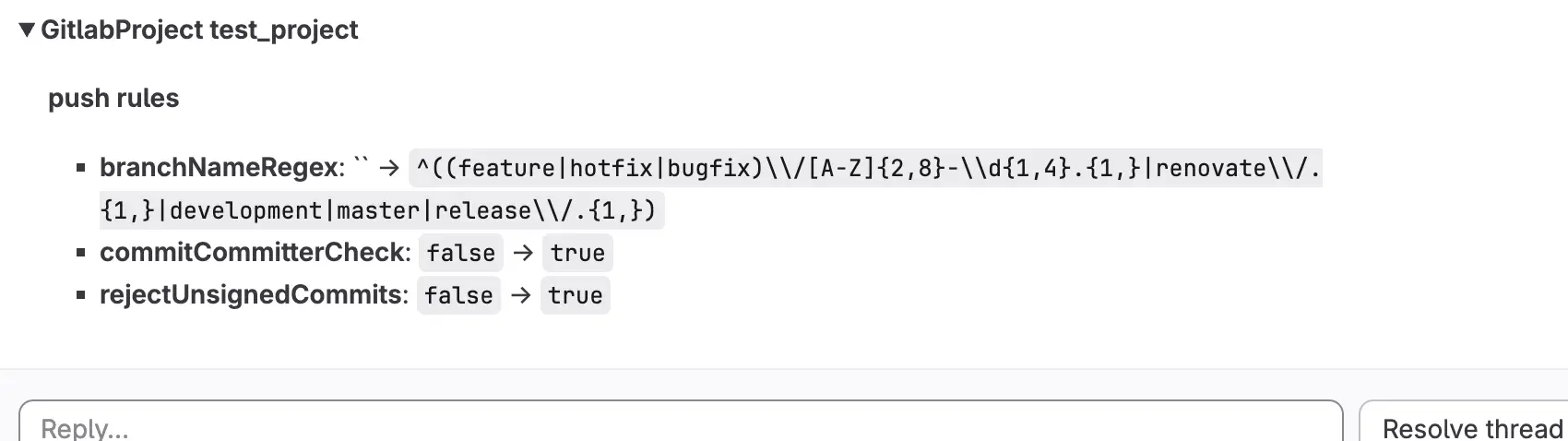
    branchNameRegex: ^((feature|hotfix|bugfix)\/[A-Z]{2,8}-\d{1,4}.{1,}|renovate\/.{1,}|development|master|release\/.{1,})
    commitCommitterCheck: true
    rejectUnsignedCommits: true
ℹ️ For more information about the push rule resource, please take a look at the GitLabPushRule resource
- Create a merge request
- Wait for the dry run to finish and check if the changelist contains the expected changes
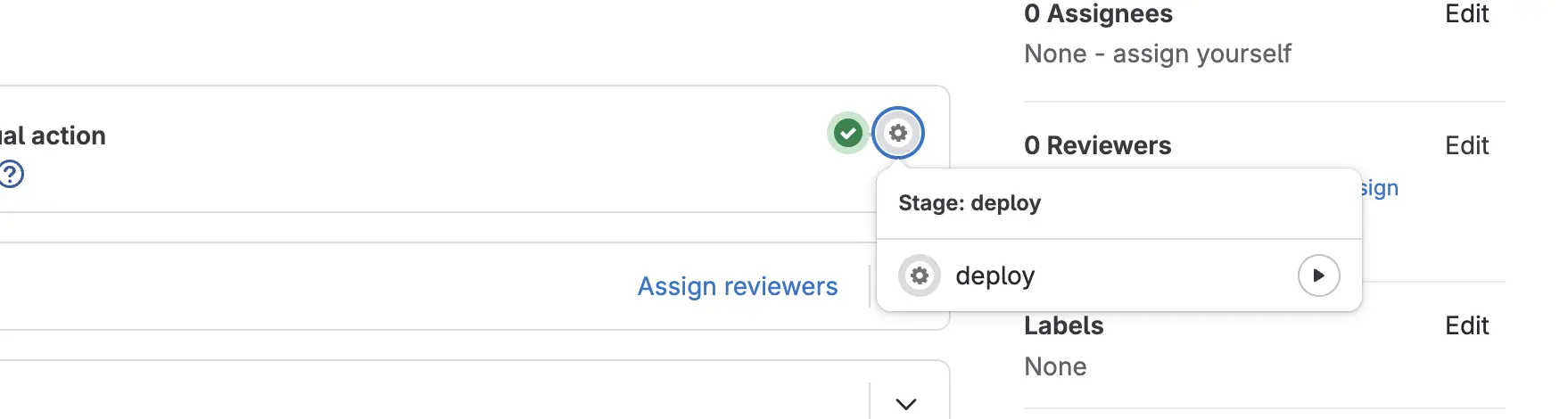
- After making sure the changes are correct, have someone check and approve your merge request and start the deployment by clicking on the play button of the deploy job
- When the deploy job has finished successfully, the merge request will automatically be merged.